
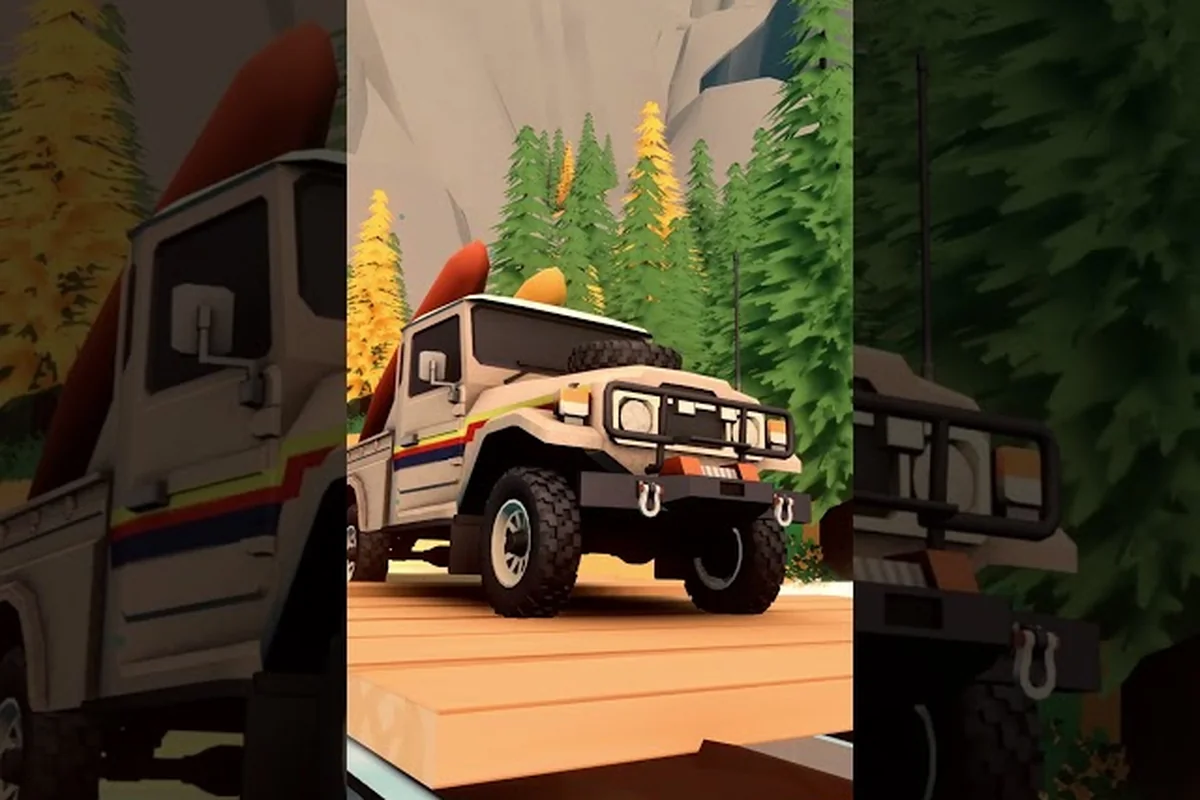
Over the Hill rewards slow, patient driving and even slower observation, and nothing captures that better than the in-game photo mode, a free-camera tool that lets you frame forests, lakesides, and wildlife after the action has passed. Players who treat the photo camera as a second activity alongside the trail reports deeper engagement with the wilderness, especially when chasing nocturnal animals and legendary creatures that vanish if you blink. The community has already filled the Steam screenshots hub with golden-hour frames, and the in-game Wildlife Compendium turns those frames into permanent unlocks, which makes Over the Hill photography tips one of the highest-return side systems in the game.
This guide breaks down how the camera works, where to position yourself for the rarest spawns, and how to chain nocturnal and daylight sessions into a single efficient route. This guide breaks down how the camera works, where to position yourself for the rarest spawns, and how to chain nocturnal and daylight sessions into a single efficient route, and once you've logged those creatures you can match each shot against the behavior and timing notes in our Over The Hill Animal Photography Guide to refine your angles and confirm peak activity windows.
Getting Into Photo Mode and Why the Defaults Feel Off
Photo mode in Over the Hill is a full free-camera, not the wildlife camera you carry in the cab. Pressing the dedicated photo toggle pauses the world, drops the FOV, and lets you orbit, dolly, and roll the camera anywhere within a generous radius of your vehicle, which is why players on Steam reviews call out spending ten minutes on a single frame before realizing the sun has moved.
The default exposure, focal length, and depth of field are tuned for scenic landscapes, not tight wildlife portraits, so a quick pass through the settings turns the tool from a pretty screenshot maker into a wildlife capture machine. Treat the menu as a checklist before your first shot: lock ISO low for daylight, raise it for dusk, set a long shutter for moving water, and switch the focal length to a tighter value for animal close-ups.
| Setting | Default Value | Recommended for Wildlife | Recommended for Scenic |
|---|---|---|---|
| Focal Length | 35mm | 85–135mm | 24–50mm |
| Aperture | f/8 | f/2.8–f/4 | f/8–f/11 |
| Shutter Speed | 1/125 | 1/250 or faster | 1/60 with tripod |
| ISO | 100 | 400–800 | 100–200 |
| Depth of Field | Off | On, soft | On, deep |
The wildlife camera itself is a separate tool, a handheld device that triggers the Compendium entry and counts toward the Wildlife Enthusiast achievement, while photo mode is a pure presentation layer. Knowing which one to raise is the first real Over the Hill how to take photos decision, because pulling out the wrong camera in front of a rare animal can spook it.
Camera Settings Deep Dive: Focal Length, FOV, and Pivot Behavior
The free-camera pivots around the vehicle anchor by default, which is fine for trail shots but frustrating for a buck standing twenty meters down a slope. Holding the orbit modifier switches the pivot to the camera's current position, letting you swing around an animal without dragging the whole truck into the foreground, and players who learn this early get noticeably better compositions on their first day.
Field of view behaves like a real lens, narrowing with longer focal lengths and tightening the focus plane, so swap to a 135mm equivalent when you want subject isolation and drop back to 35mm when you need a sense of place. A useful rule: if the animal fills less than a quarter of the frame, your focal length is too short for the distance, and you should either creep closer or change lenses.
Animal Spawn Windows and the Logic Behind Rare Encounters
Spawns in Over the Hill are biome-locked, time-locked, and behavior-locked, which is why two players driving the same trail at the same hour can see totally different wildlife. Diurnal grazers such as deer and ibex appear in open meadows from mid-morning to late afternoon, crepuscular predators slip out in the hour after sunset, and nocturnal animals — owls, foxes, badgers, and the rare lynx — own the deep-night window from roughly 23:00 to 04:00 in-game.
Rare spawns sit on top of that base rhythm with a probability roll, so Over the Hill how to find legendary animals is less about driving to a specific dot on the map and more about stacking the right modifiers at the right hour. The modifiers that actually matter, based on community testing, are weather, biome, time band, vehicle noise, and whether you have the wildlife perk unlocked from a previous trail.
| Time Band | In-Game Hours | Common Spawns | Rare Spawns | Legendary Chance |
|---|---|---|---|---|
| Dawn | 05:00–07:00 | Fox, rabbit, songbirds | Moose, golden eagle | Low |
| Midday | 10:00–15:00 | Deer, ibex, lizards | Wild boar, snake | Very low |
| Dusk | 18:00–20:30 | Coyote, heron, bat | Lynx, black bear | Medium |
| Night | 22:00–04:00 | Owl, badger, raccoon | Snow leopard, wolf pack | High |
Reading the Night Map Before You Drive
Night driving is rough on foot, but it is even rougher on a handheld camera because the wildlife UI loses its outline glow, and animals can be right next to the trail without the player noticing. The fix is to slow down well before the sun crosses the horizon, park on a high ridge with a clear sightline, and wait for the sky to bleed out, because most Over the Hill rare animals make their first move in the fifteen minutes after the last light fades.
Pairing that wait with a quiet truck — engine off, lights off, doors closed — multiplies the spawn roll for predators, who treat the player as prey when the engine is loud and as scenery when it is silent. Players who run the night shift on foot report roughly double the lynx and wolf sightings per hour compared to driving patrols.
Legendary Animal Strategy: Stacking Spawn Modifiers the Right Way
A legendary animal in Over the Hill is not a separate species, it is a unique variant with a distinct coat, a unique Compendium entry, and a one-time-only encounter flag that disappears the moment the wildlife camera fires. Because the flag is single-use, missing the shot means a long wait for the next spawn cycle, which is why serious photographers treat the encounter as a planned event rather than a lucky break.
The reliable four-step stack players use on the community screenshots hub looks like this: pick a biome where the target variant is native, drive in at the matching time band, kill the engine before crossing into the animal's territory, and let the encounter walk to the player instead of charging it. Most legendary variants flee at 35 meters when the truck is running, but they will hold still at 12 meters if the player exits the vehicle on foot with the engine off.
| Legendary Variant | Native Biome | Preferred Hour | Behavior on Approach | Photo Tip |
|---|---|---|---|---|
| Pale Moose | Forest | 05:30–06:30 | Walks, then stops | Side profile, low angle |
| Black Ram | Mountain | 16:00–18:00 | Stands on ridgeline | Backlit silhouette |
| Desert Lynx | Desert | 21:00–23:00 | Crouches, watches | Eye-level, 135mm |
| Snow Wolf Alpha | Snow | 23:00–02:00 | Paces a clearing | Wide frame with pack |
| Coastal Otter Pair | Lakeside | 09:00–11:00 | Plays on rocks | Rule of thirds, water |
Audio Cues That Make or Break a Shot
The audio layer is the most underused lever in the Over the Hill photo mode toolkit, because a single loud engine note can ruin a thirty-minute approach. Drop the master music slider to zero, leave ambient audio at default, and lower the vehicle engine channel to about 30%, which keeps the in-cab feel but silences the exhaust note that carries across valleys.
Wind direction also matters at high zoom, and the wildlife audio cue can give the shot away if it is too loud. Players who set the wildlife channel to 50% and the wind channel to 40% report cleaner approach paths and noticeably better encounter stability, which feeds straight back into more consistent Compendium progress.
Compendium, Achievements, and the Long-Term Payoff
The Wildlife Compendium is the actual reward loop that makes Over the Hill photography tips worth the time investment, because every frame you take with the wildlife camera adds a permanent entry to your journal, and milestones along that journal unlock cosmetics, pebbles, and three Steam achievements according to the Over the Hill achievements page. The two achievements that matter most for photographers are Wildlife Enthusiast, which tracks unique species photographed, and Night Watcher, which specifically counts nocturnal encounters.
The community reports that a focused three-hour run with photo mode and the wildlife camera can clear roughly 60% of the Compendium in a single session, with the remaining 40% gated behind Over the Hill rare animals and legendary creatures that require multiple visits. Spread that across three or four sessions in the same week, and the Compendium is comfortably done before the player finishes the mid-game upgrade tree.
| Milestone | Entries Needed | Reward | Useful For |
|---|---|---|---|
| First Entry | 1 | Wildlife Camera unlock | Early game |
| 25% Compendium | ~20 | Pebble bundle | Tool upgrades |
| 50% Compendium | ~40 | Wildlife Enthusiast achievement | Trophy progress |
| 75% Compendium | ~60 | Cosmetic livery | Visual variety |
| 100% Compendium | All | Night Watcher achievement | Endgame trophy |
Building a Sustainable Photography Route Across Regions
The mistake most new players make with the photo camera is treating it as a side activity they run between trails, which means they never accumulate enough encounters in any one biome to push the rare spawns. The better pattern, used by the most active contributors to the Over the Hill community screenshots, is to plan a single loop per session that hits two or three biomes at the right time band, then return to base before resetting for night.
A good starter loop for an intermediate player looks like this: drive into the Forest region at dawn, walk a known deer ridge for an hour, then fast travel to the Lakeside outpost before noon to catch the otter pair on the rocks, and finally camp at the Mountain trailhead until dusk for a chance at the Black Ram. That same loop extended into the night band — by sleeping at the Mountain cabin until 23:00 and then driving into Snow — is the most efficient way to clear the Over the Hill how to find legendary animals checklist without burning a full evening on a single spawn.
| Region | Best Daylight Subject | Best Dusk Subject | Best Night Subject | Cabin to Sleep At |
|---|---|---|---|---|
| Forest | Pale Moose, deer | Fox, badger | Owl, raccoon | Forest Cabin |
| Mountain | Ibex, golden eagle | Black Ram | Snow leopard | Summit Cabin |
| Desert | Lizard, snake | Desert Lynx | Scorpion, bat | Oasis Cabin |
| Snow | Ptarmigan, hare | Wolf pack | Snow Wolf Alpha | Snow Cabin |
| Lakeside | Heron, otter pair | Coyote | Beaver, raccoon | Lakeside Cabin |
Common Failure Modes and How to Avoid Them
The most common reason a legendary animal never appears is the player is on the wrong region tier, because Over the Hill gates several rare variants behind a minimum progress flag that is set the first time you complete a specific trail. If the Snow Wolf Alpha refuses to spawn, the fix is usually to finish the Summit Vendor's main quest, not to drive in circles at 02:00.
The second most common failure is the wildlife camera firing too early, because the camera is on a shared input with the regular photo mode, and a single stray button press can wipe the encounter flag. Players who map the wildlife camera to a dedicated button and the photo mode toggle to a different one report noticeably fewer lost encounters, and that mapping is one of the simplest Over the Hill photography tips to apply on day one.
Frequently Asked Questions
Does Over the Hill have a photo mode separate from the wildlife camera?
Yes. The photo mode is a free-camera presentation tool that pauses the world and lets you orbit your vehicle, while the wildlife camera is a separate handheld tool that registers Compendium entries. The two share an input on default settings, so remap one of them to avoid firing the wrong tool during a rare encounter.
How do I find legendary animals in Over the Hill?
Stack four modifiers: drive into the matching biome during the species' preferred time band, shut the engine off before crossing the territory line, exit the truck on foot, and wait for the animal to approach. Legendary variants flee at roughly 35 meters from a running engine but will hold still at 12 meters from a silent player.
What are the best settings for nocturnal photography?
Use a focal length of 85–135mm, an aperture of f/2.8 to f/4, an ISO of 800–1600, and a shutter speed of at least 1/250. Lower the wildlife audio channel to about 50% and the vehicle engine channel to 30% so the encounter is not startled by the truck noise, and keep the master music at zero for cleaner focus.
Can I take photos while driving?
Photo mode requires you to be stationary, but the wildlife camera can be fired at low speed. For frame quality, exit the vehicle and use the free-camera, because the wildlife camera's auto-composition rarely frames a rare animal cleanly on the first try.
Do my photos count toward Steam achievements?
Only the wildlife camera entries count toward the Wildlife Enthusiast and Night Watcher achievements, as listed on the Over the Hill achievements page. The free-camera photo mode is a presentation tool and does not register Compendium progress, so keep both tools mapped separately to avoid wasting a rare spawn on a scenic frame.